
fleet tracking fleet gps tracker gps vehicle tracking software
tracking software
gps tracking system
car tracker online vehicle location tracking application

gps tracking system
Details
gps car tracking systemgps fleet tracking system
gps van tracking system
Features

gps truck tracking system
car tracker
truck tracker
van trackerLinxup Wired

fleet tracker
online vehicle location tracking application
online car location tracking application
online fleet location tracking applicationVideo Demos
online truck location tracking application
online van location tracking application
online fleet location tracking application
online vehicle location tracking applicationLinxup App
gps tracking application
online tracking application
car location application
van location applicationCustomer
fleet location applicationTestimonials

gps car application
gps fleet application
gps van application
gps truck applicationFAQs

gps fleet tracking
gps tracking systemor call
car tracker1-877-732-4980

Have Questions? Click Here.


"The Linxup software allows us to view all of the trucks on the map at the same time and allows us to zoom into a particular truck if we need to see exactly where they currently are located."

-Texas Trucking
Company

car tracking system
truck tracking system
van tracking system fleet tracking system
vehicle tracking system
gps car system
gps truck system gps fleet system
gps car tracking device

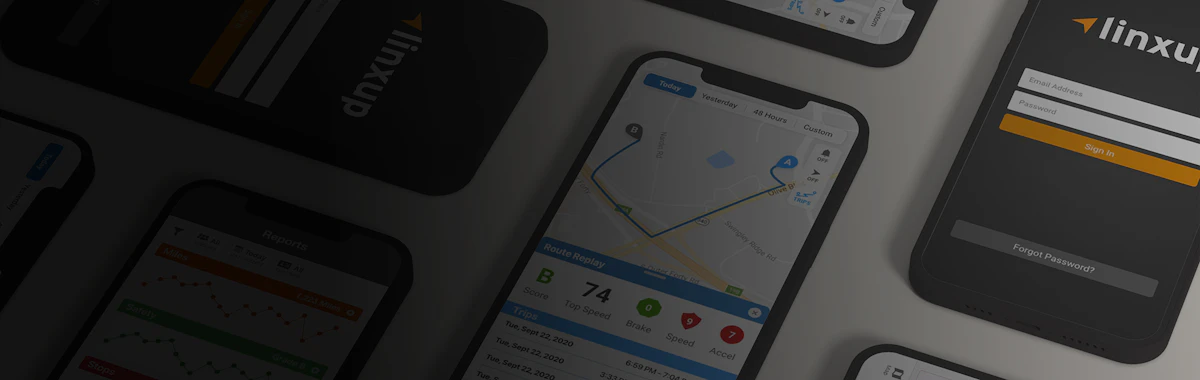
The Linxup GPS Tracking App Features:

  gps vehicle tracking device, fleet tracking
gps vehicle system   Up-to-the-minute
vehicle locations
gps car tracking system
gps truck tracking system   Play back a history of vehicle locations
gps fleet tracking system
gps van tracking system   Available on Andriod and Apple Devices
gps vehicle tracking system
car tracker   Quick and Easy to Use
vehicle tracker
van tracker
truck tracker tracking system
gps tracking system
*Please note that our Linxup GPS Tracking App is a beta version.
We are continually making fixes and improvements.


Installing the Linxup App on Your iPhone:

gps system

  1. Open your phone’s browser (Safari). Go to the following URL: http://www.linxup.com/ibis/linxupmobile/

  2. This will take you to the Login/Home screen for the Linxup application.

  3. Before logging in to the application, click the Icon illustrated to the left and select Add to Home Screen.

  4. This will add a shortcut to your phone’s homescreen that you can then move around as you would any other application. It also serves as a shortcut to the App for future uses.


Installing the Linxup App on Your Android Phone:

  1. Open your phone’s browser

  2. Go to the following URL: http://www.linxup.com/ibis/linxupmobile/ This will take you to the Login/Home screen for the Linxup application.

  3. Touch your device’s Menu button.

  4. Select More.

  5. Select Add Bookmark or Bookmark Page and select OK.

  6. Go to the home screen you want to add the link to and long-press in an empty space to bring up the Add to Home Screen menu.

  7. Select Shortcuts.

  8. Select Bookmark.

  9. Choose your Linxup Bookmark.

online vehicle location tracking application
location tracking application


Linxup GPS Fleet Tracking Devices - Powered by Agilis Systems | St. Louis, MO | 1-877-732-4980 | Linxup GPS Vehicle Tracking Blog
© 2012 Linxup, All rights reserved. | Privacy Policy | Terms & Conditions

Teen Tracking, GPS Teen Tracking
GPS Personal Vehiclesor call:
GPS Tracker for Teenager1-877-732-4980

teen tracker, gps tracking a teenagerHave Questions About GPS Fleet Management? Click Here.