State Fuel-Tax Reporting
Automated IFTA Reporting for the DOT
Automate Fuel-Tax Reporting
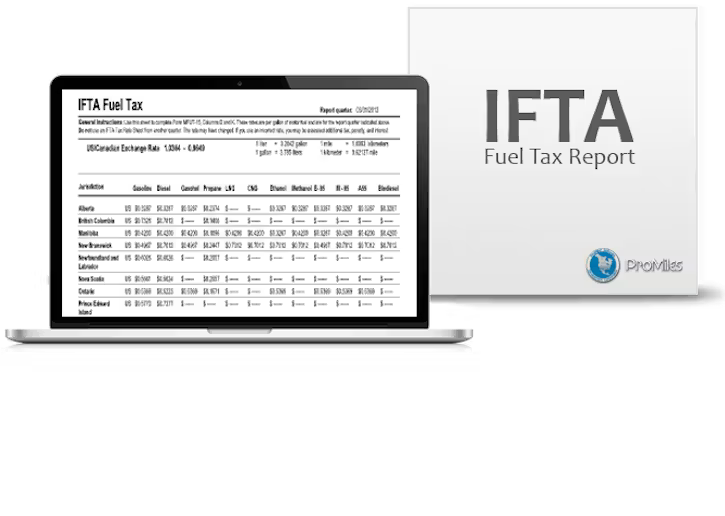
Do you need to provide International Fuel Tax Association reporting to the Department of Transportation?
For an additional $12 per month, Linxup’s IFTA add-on automatically collects mileage data by integrating seamlessly with your Linxup GPS tracking device. This add-on enables you to:
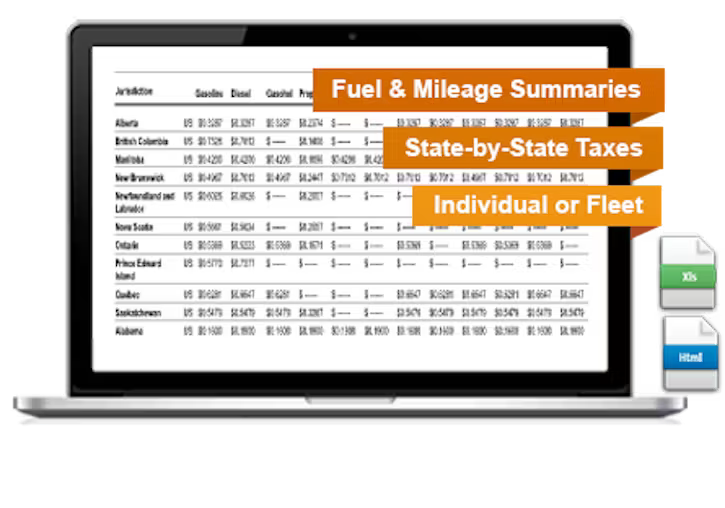
- Easily complete a variety of reports, including Fuel & Mile Tax Summaries.
- Calculate fuel-tax information for individual vehicles or for your entire fleet.
- View actual fuel gallons used, tax rates for individual states, and the amount of fuel tax due.
- Linxup’s International Fuel Tax Association add-on is approved by all US state Departments of Transportation.
Generate IFTA Reports in Seconds
The Linxup IFTA add-on module gives you integrated tools that:
Break your fuel-tax reporting down state-by-state
- Display fuel-tax reporting data in miles or kilometers.
- Report on toll versus non-toll miles.
- Generate reports in HTML format or export to Excel.