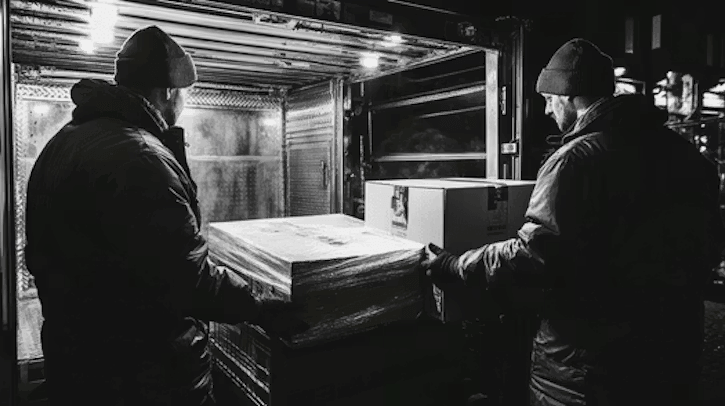
Replay any route your vehicles took.
Route Replay
Easily retrace your team's steps over any time frame.
See Exactly What Happened on a Route
Business owners and fleet managers need to see exactly what happened throughout the day when their teams are out in the field. They may get complaints about reckless driving or want to verify that a driver took a specific route. Without Route Replay, that visibility is lost, and they are left guessing or trying to figure out what happened with limited, inaccurate, or biased information.
Benefits of Route Replay
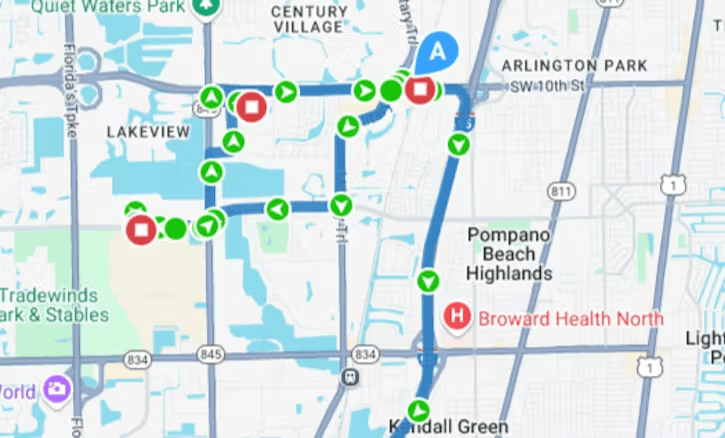
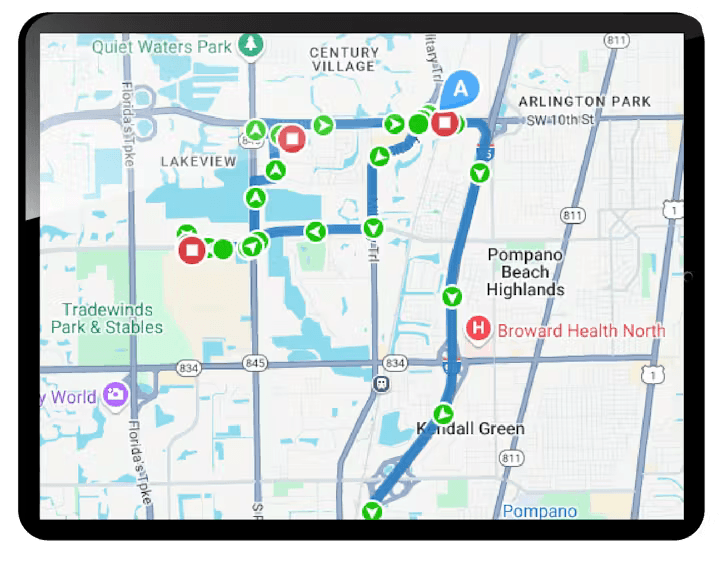
Route Replay shows routes taken for any vehicle, any trip. Each trip segment is displayed along with key driving events such as stops, harsh driving behaviors, high speeds, and miles driven. This provides the insights needed to verify if drivers were being reckless, taking the most efficient routes, doing what they are supposed to be doing, etc., down to the street-level view. No more detective work required.
How Route Replay Works
Route Replay allows business owners and fleet managers to review an animated playback of a vehicle's driving history. Trips are broken down into logical segments, showing the locations a driver visited. Business owners and fleet managers can click on any vehicle shown on their map and get quick access to where that vehicle has traveled and what the driver was doing along the way.
- Geofences can be added on the fly while viewing the routes taken by drivers.
- Users can switch to Google Street View to get a driver-eye view of any location on the route.
- Users can view any alerts that were triggered along the route, like speeding, harsh braking, etc.
Using Route Replay for Off-Hours Use
In addition to confirming routes for drivers during working hours, Route Replay can be used to identify when vehicles are being used by employees for personal purposes. This could be for side jobs or unapproved recreational use. Business owners who have concerns can quickly replay routes taken during non-work times and meet with team members to discuss improper vehicle usage. Unauthorized use alerts trigger when a vehicle is operated outside the Authorized Hours schedule that you establish on the Alert Settings page.